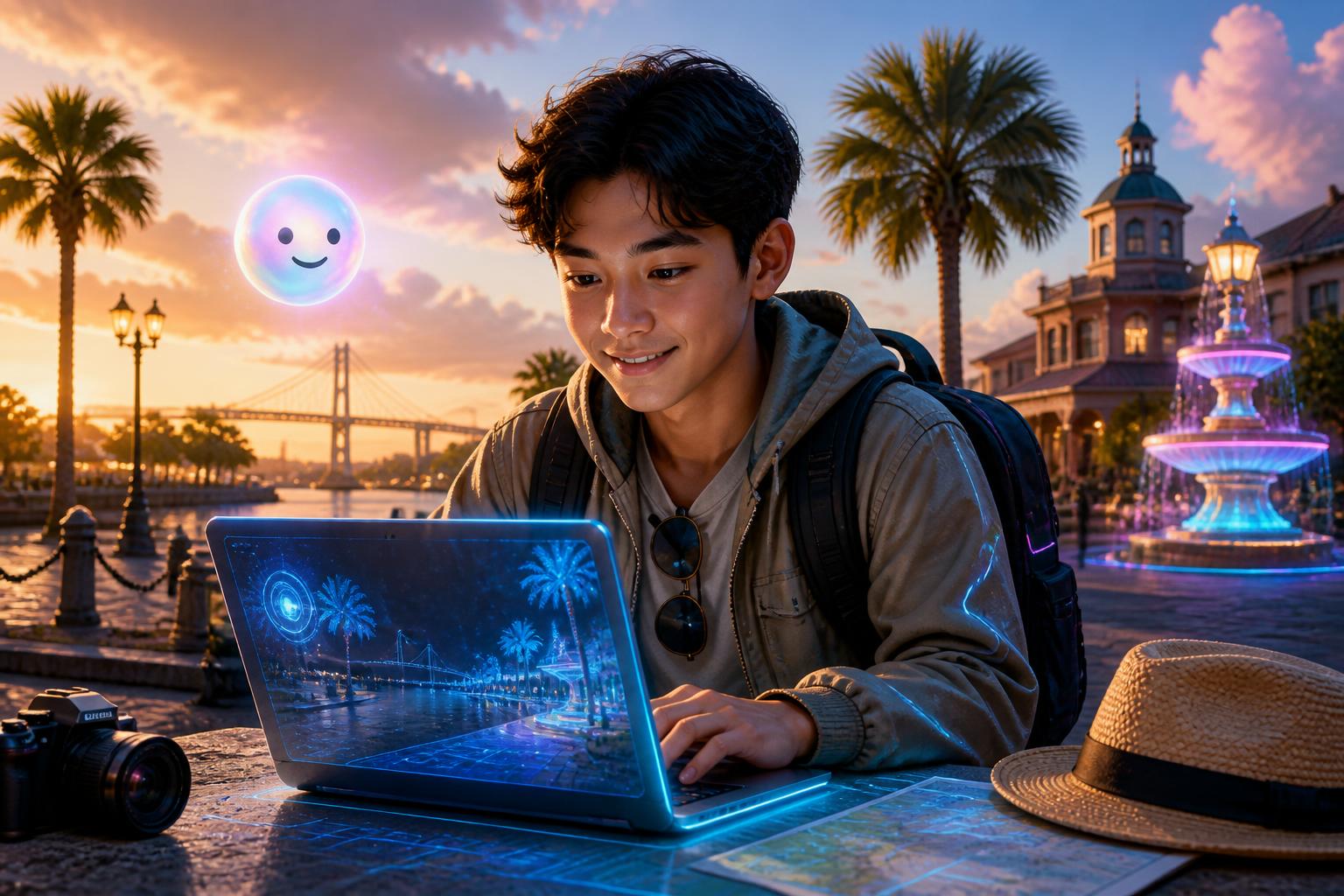
What blend mode is best for a laptop screen reflection?
Test your Photoshop skills with this quiz on choosing the best layer blend mode to create a realistic window reflection on a laptop screen mockup.
The magic of screen replacement
Designing the Brunswick tourist look
Perfecting the blend and lighting
Putting it all together and exporting
samantha Explore the rapid rise of virtual tourism and see a fun demonstration of digitally visiting Brunswick, Georgia using a laptop screen.
samantha Watch how to composite a photo onto a laptop screen with realistic glass texture and reflections, creating a Brunswick Georgia tourist mockup.
samantha Learn how to select the best file format for your digital projects in this educational video.

samantha Snap your photo into local scenes to discover the historic landmarks of Brunswick, Georgia.
samantha Video Exporting and Containers
Pack the tracks in one container, now we're ready to export!
samantha Explore the ethical considerations of photo editing, from harmless fun like faking a vacation photo to the broader impact of digital manipulation.
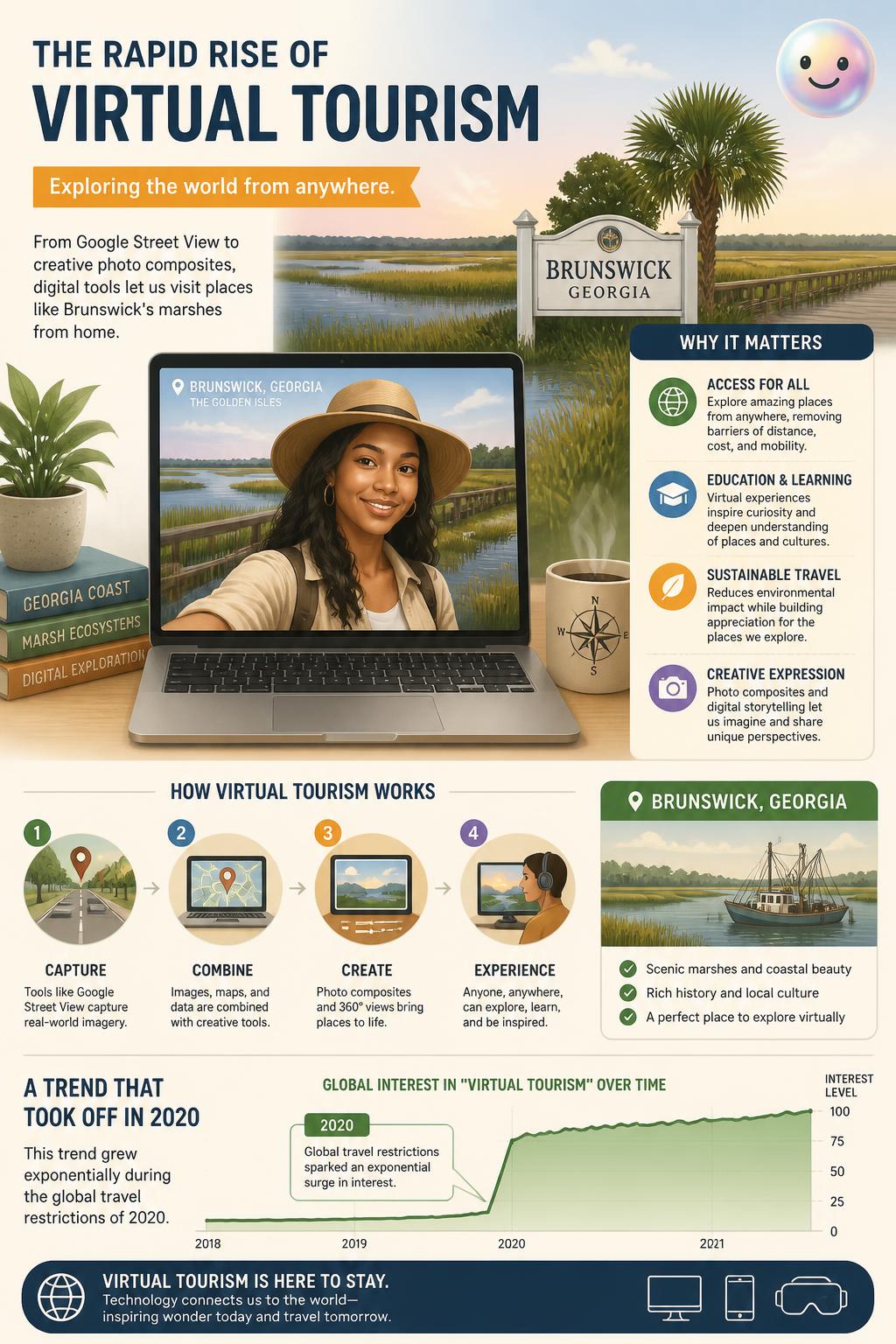
samantha Virtual tourism allows people to explore and share travel experiences digitally.
First digital photo: The first digitally scanned photograph was created in 1957 by Russell Kirsch, a 176-by-176 pixel image of his infant son.
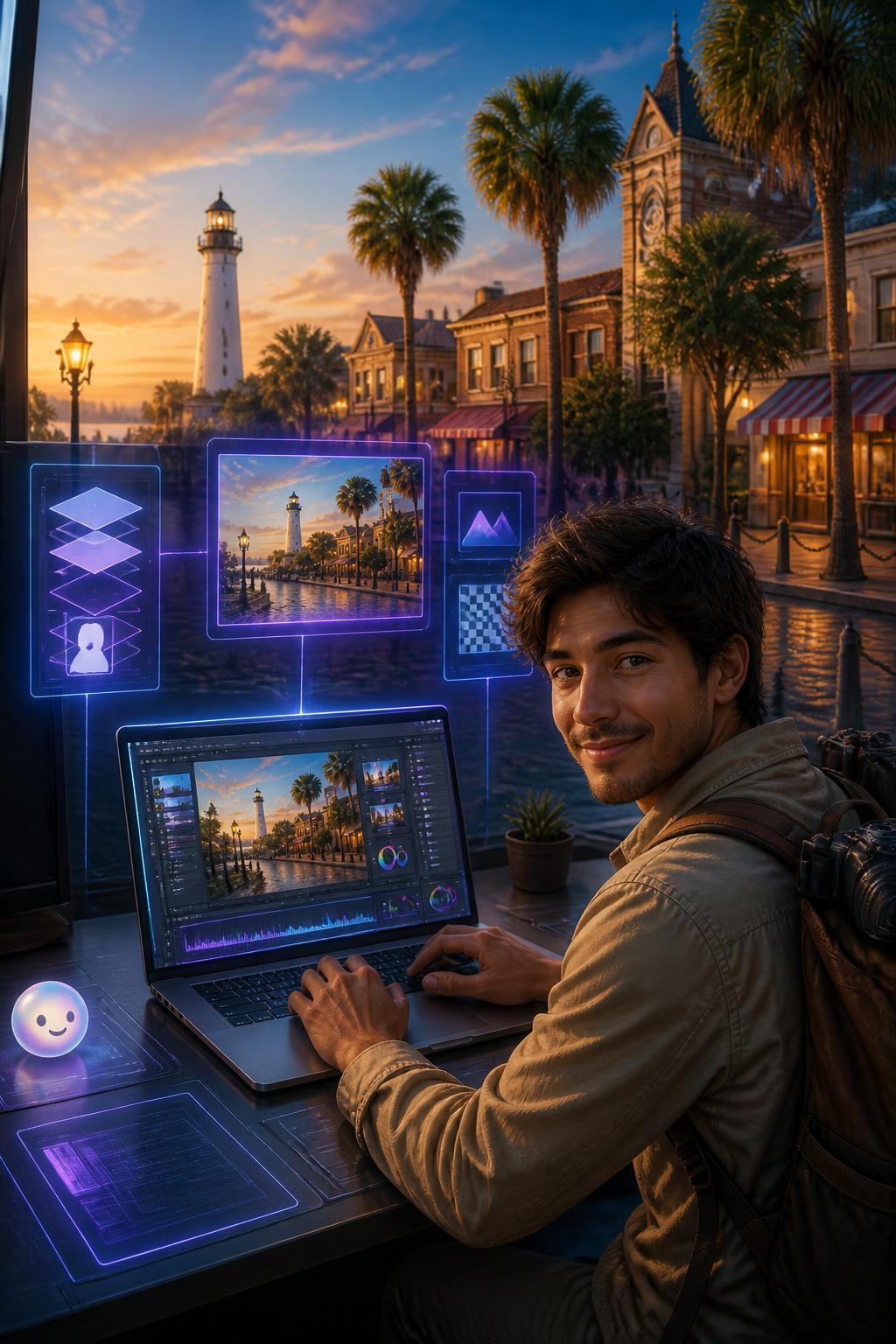
samantha Selecting between JPEG, PNG, and PSD depends on your need for quality or editability.
To transfer data from one system or file format to another. The completed digital portrait of a visitor in Brunswick, Georgia, is saved as a shareable JPEG.
What layer blend mode is ideal for adding a realistic window reflection over a laptop screen mockup?
Which file format preserves all layers, masks, and editable assets for future photo editing sessions?
Why is it considered good practice to label highly realistic edited travel photos as digital composites?
Why might a photo editor choose a PNG format over a JPEG format when exporting a graphic?